
FROM FIRST MEASUREMENT TO FINAL ORDER
Gravel calculators.
Better project
plans.
Too much material means extra cost. Too little can leave your project unfinished. Different depths, bag sizes and ton conversions make the order harder to judge.
Use our gravel calculators to turn your measurements into quantities, then check the material and price assumptions behind your estimate.
Explore driveway, patio and material guides to plan the next step with more confidence.
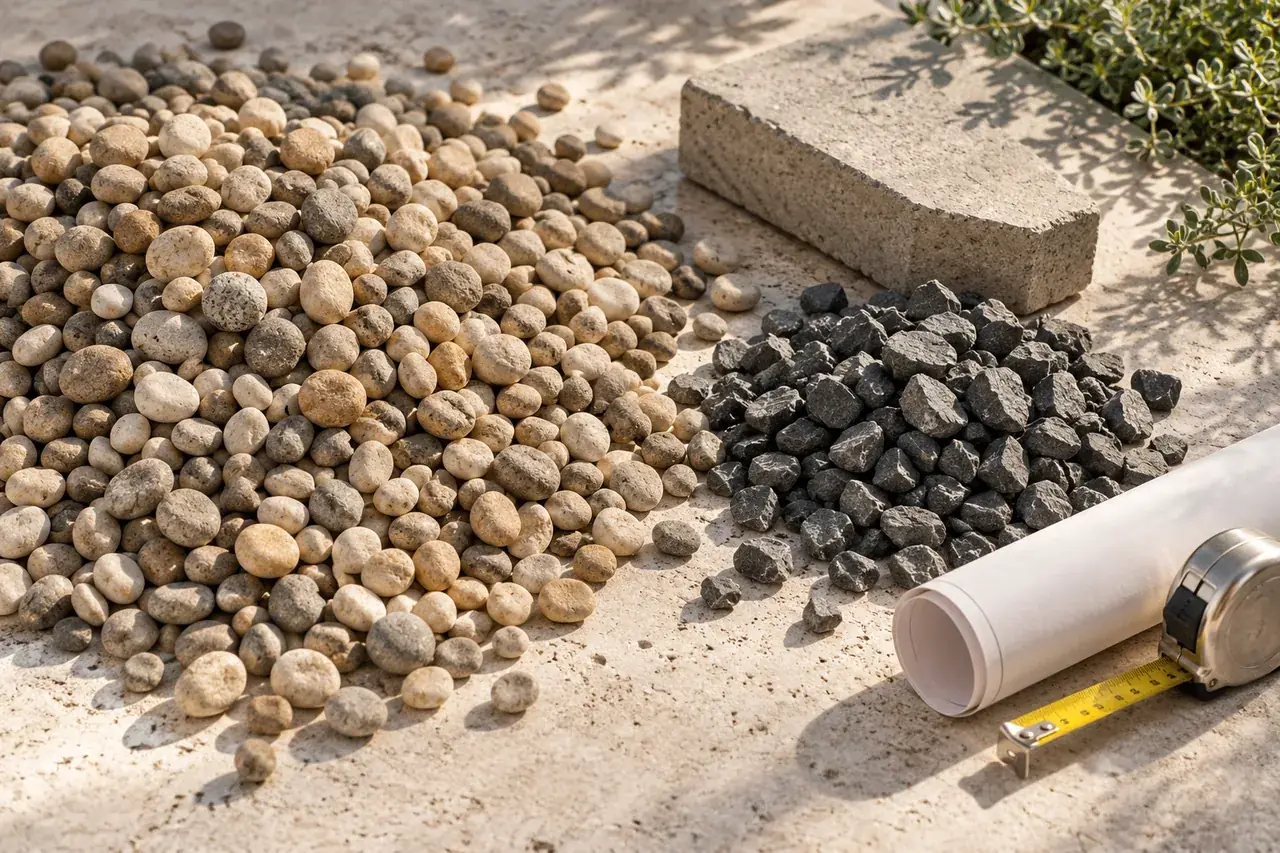
20 ft × 12 ft · 4 in deep
Geometric volume · before allowance
Enter your measurementsA GOOD PROJECT STARTS WITH A GOOD QUESTION
What are you planning?
Start with the project. Find the right decisions, then the right quantities.
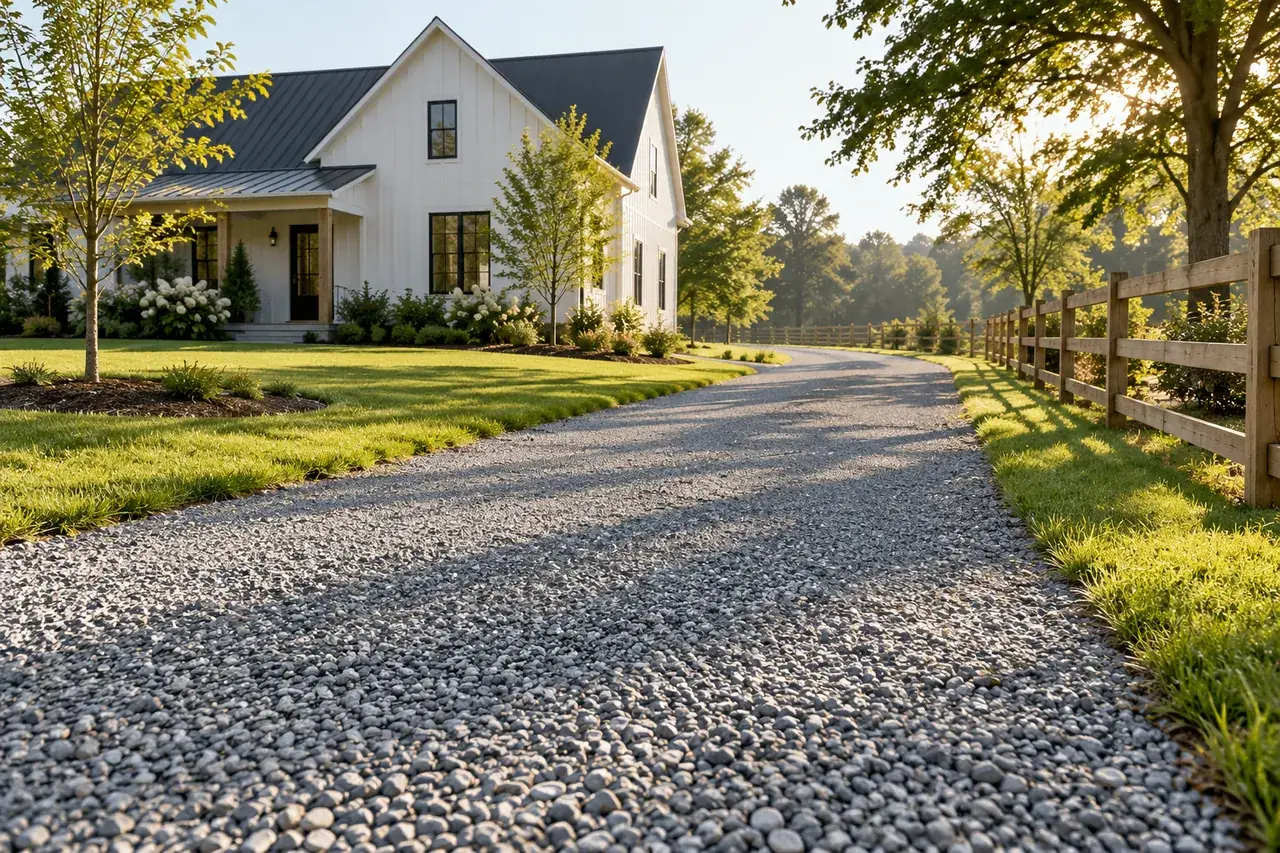 01 / DRIVEWAYS
Build a clearer driveway plan.
Separate the surface, base and project costs before comparing an order.
Explore the plan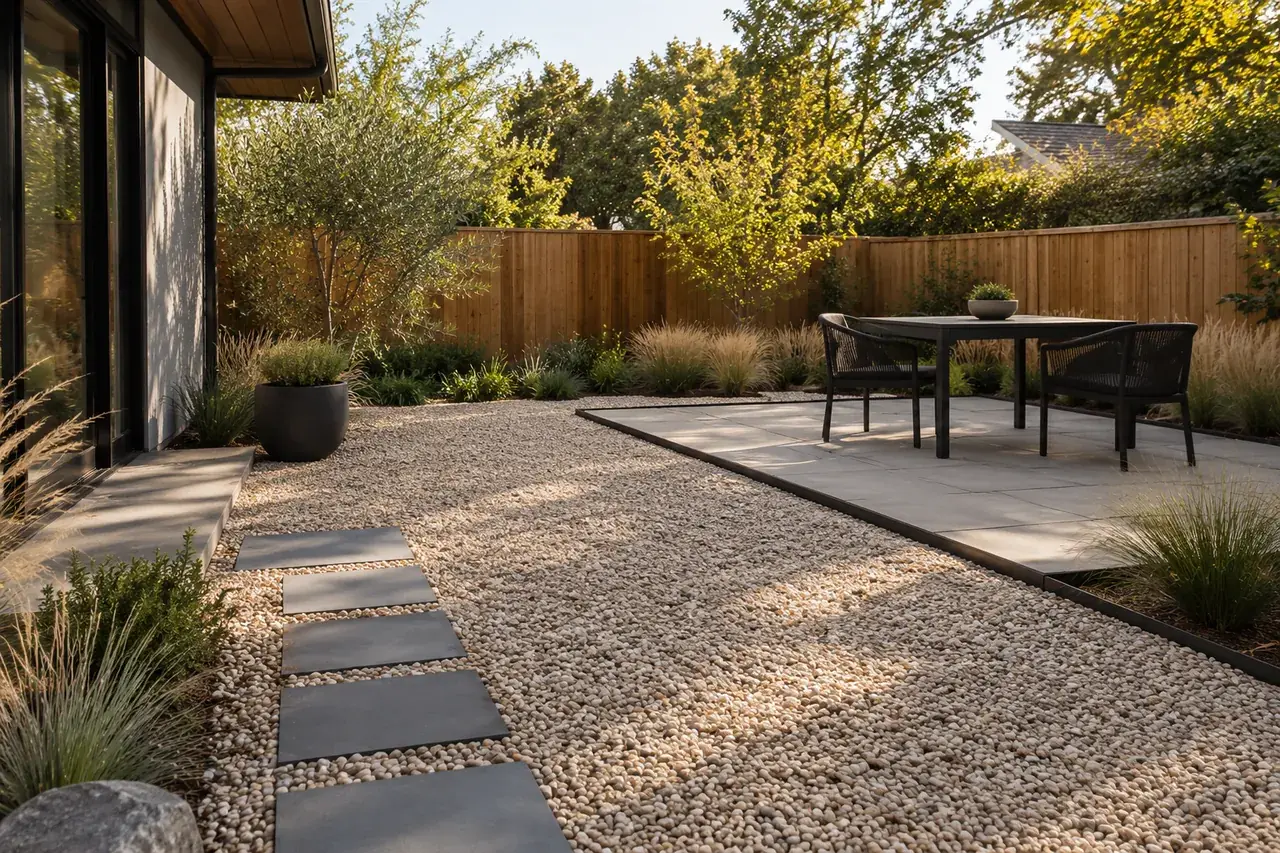 02 / OUTDOOR SPACES
A patio that fits how you live.
Think through seating, stable access, borders and the gravel area.
Explore the plan
03 / MATERIAL CHOICES
Choose the stone for the job.
Understand #57 stone, road base and the questions to ask your supplier.
Explore the planProject images are illustrative concepts. Use your site conditions and product specifications to plan the actual work.
LESS GUESSWORK. MORE CLARITY.
Find your material calculator.
From a small gravel border to several construction layers, start with the quantity you need to understand.
18 tools to explore
Gravel calculator
Volume, tons, bags and quoted cost.
Open toolPea gravel calculator
Plan bulk and bagged pea-gravel orders.
Open toolGravel driveway calculator
Estimate each driveway layer separately.
Open toolCubic yard calculator
Turn measurements into material volume.
Open toolCubic yards to tons
Convert with your material’s density.
Open toolDirt calculator
Estimate soil, topsoil and fill quantities.
Open toolSand calculator
Calculate volume, weight and bag counts.
Open toolAsphalt calculator
Estimate mass from depth and density.
Open toolTar-and-chip planner
Compare the scope of driveway quotes.
Open toolConcrete calculator
Calculate slab, footing and bag quantities.
Open toolConcrete cost calculator
Compare billed quantities and quote fees.
Open toolConcrete block calculator
Plan block counts and mortar coverage.
Open toolPaver base calculator
Estimate aggregate and bedding layers.
Open toolGravel driveway cost
Compare itemized supply and installed quotes.
Open tool →French drain installation cost
Plan a specified exterior pipe-and-stone assembly.
Open tool →Gravel shed pad
Measure a maker-approved footprint and apron.
Open tool →Crusher run calculator
Order volume, weight and whole haul trips.
Open tool →Mulch calculator
Measure multiple beds and compare bags with bulk.
Open tool →No matching calculator yet.
Try a shorter term or show all tools.
THE NUMBER IS A STARTING POINT
Plan what sits
beneath the surface.
A quantity estimate tells you how much material fits a measured space. It does not choose the base, drainage or installation method for your site.
Choose by function
Check whether you need a surface, supporting base or drainage material.
Keep the assumptions visible
Confirm depth, density and loose or finished conditions before ordering.
Compare the complete quote
Look at the sale unit, delivery, access and fees alongside the material price.
FOR THE DECISIONS A CALCULATOR CANNOT MAKE
Read the guide.
Make the next step clearer.
Practical questions for the ground, the materials and the delivery.
Gravel driveway repair
Work through potholes, ruts and recurring damage.
Read guideDriveway fabric
Understand the role of geotextile beneath gravel.
Read guideLandscape fabric under gravel
Decide on underlay for paths, patios and rock beds.
Read guideGravel delivery guide
Check quantities, charges and truck access.
Read guideA FEW THINGS TO KNOW
Useful answers.
Before you order.
Keep the calculation and the purchasing decision connected.
Which gravel calculator should I use?
Use the gravel calculator for general quantity, bag and cost estimates. Choose the pea gravel calculator for pea-gravel orders, or the gravel driveway calculator to estimate separate driveway layers.
Can I convert cubic yards to tons?
Yes, when you have a compatible material density. Cubic yards measure volume; tons measure weight. Use the cubic yards to tons converter with supplier information for the specific material and condition.
Does the estimate include delivery or installation?
Only the costs you enter or explicitly select are included. Confirm the supplier’s sale unit, delivery, minimum order and other charges. The gravel delivery guide helps you review the quote.
Can I save my inputs and results?
The calculator pages include a Print inputs & results option. Review the current values, units and assumptions before printing. Results update as you change inputs; use Clear / reset when starting a new estimate.
START WITH WHAT YOU CAN MEASURE
A clearer order
starts here.
Bring your dimensions. Leave with a better basis for the next conversation.